FOOD PANTRY MARKETING
Food Pantry Marketing Tool kit
We’ve made it easier than ever for your pantry to share projects (and recruit volunteers) to your social network! Scroll to find copy/paste messaging and marketing templates to rally your community and supporters across email and social media.
Email + NEWSLETTER:
Here is a quick little blurb you can use to copy/paste and forward to your volunteers, donors, or anyone you think that might want to get involved on the action!
THE PERSONAL EMAIL can be sent to volunteers that you’d like to invite to register for a project.
THE NEWSLETTER can be sent on a weekly, bi-weekly or on a monthly basis to share upcoming projects, event recaps, images from your previous project and the latest updates within your organization/ community.
[NOTE, bolded section is for you to add your details. :]
PERSONAL EMAIL TEMPLATE:
Subject line: Come Serve With (Your Organization)!
Hello Friend,
I hope this note finds you well and [add some warm small talk]. [Name of Organization] is looking to have some fun while helping neighbors in need and we would be thrilled if you’d join us!
This week we are hosting [Project Name & Details].
Use this link to sign up for this project: [COPY/PASTE THE URL TO YOUR PROJECT/EVENT]
We want to protect the health and safety of you and other volunteers, here are our COVID-19 procedures:
[list organizations COVID-19 procedures]
If you have any questions, please let me know and I will be happy to help! Thank YOU!
[name & contact info of event organizer]
NEWSLETTER LAYOUT:
Subject: Here is what’s happening this [Week or Month] at (Name of Organization):
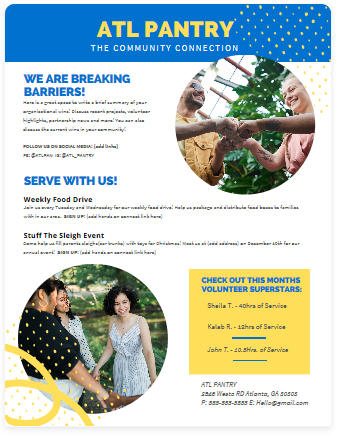
WE ARE DOING GOOD IN OUR NEIGHBORHOOD!
[Add an Image]
Here is a space to add current news and wins within your organization and community. You can also list any important updates related to your pantry (ie. new hour & holiday schedule)
** Be sure to add great quality photos of your pantry**
———————————————————————
CHECK OUT WHAT’S ON OUR RADAR:
List upcoming project(s) with a brief description, date, time and registration link.
Example:
[Name of Project], will take place Oct. 3 - 10, 2020. [NAME OF ORGANIZATION] is hosting a food basket drive that will serve 1000 families in (name of area). We need AMAZING volunteers like YOU to serve as (list volunteer position).
SIGN UP NOW: [COPY/PASTE THE URL TO YOUR PROJECT]
———————————————————————
PERSONALIZED SECTION:
This could be a place to:
Highlight ROCKSTAR volunteers, birthdays, donors, or community partners
Share updates about additional resources in the community
________________________________________________________________
Include Social Media Links
Link all your social media accounts to your newsletter
Add any hashtags that are relevant to your organization
Here is a great resource article about the various email marketing platforms: Zapier.com

PHOTOS
SELECTING THE RIGHT PHOTOS
Whether you are creating a newsletter, social media post or a flyer, selecting the right photo adds the perfect element to your story.
Here is how to CAPTURE the right photo:
Take high quality photos during your event (Learn How To Take Good Pics On Your Phone)
Make sure you have consent to take photos of volunteers
If you see volunteers taking photos, ask them to send any great ones to you or tag your organization
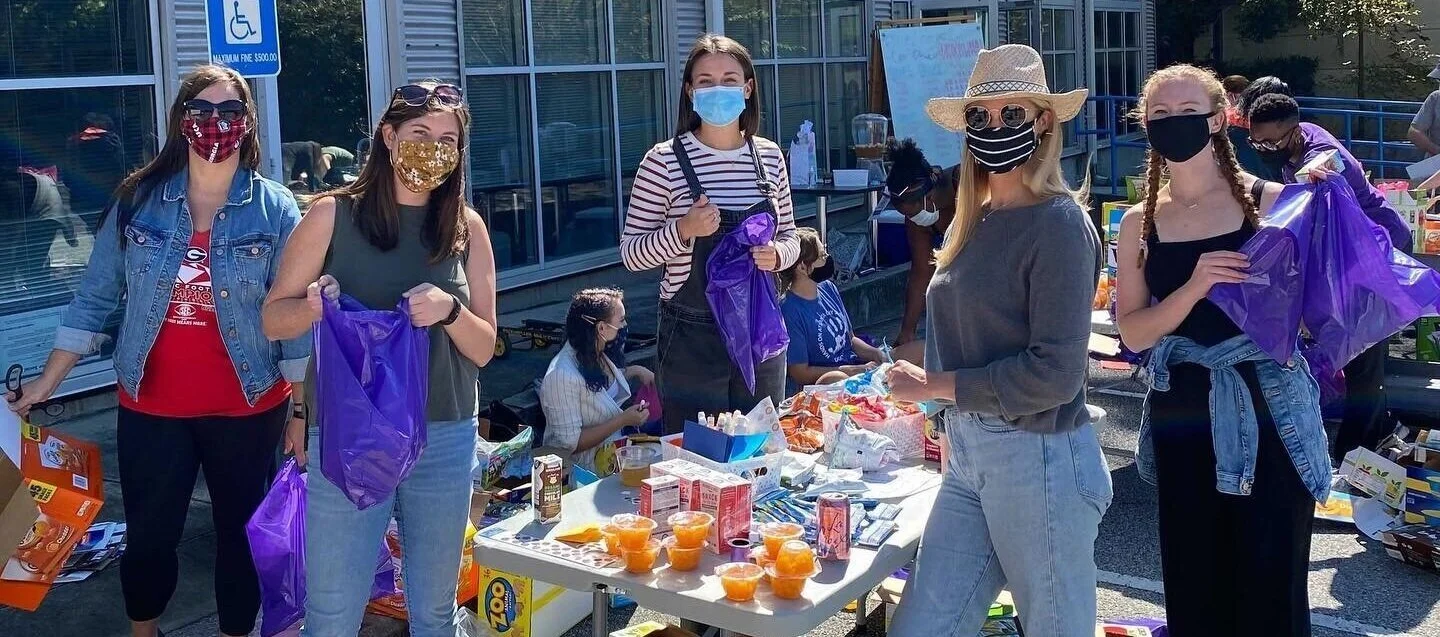
Consider the story that you would like your photos to tell… try capturing smiling faces, services in action, COVID-10 Safety Stations, etc.
Sometimes you may need higher quality professional photos. Pexels.com and Unsplash.com are great platforms with professional grade stock images that are donation only.
Here is how to SELECT the right stock images photo:
Natural non-staged images are BEST!
Choose images with vibrant colors that offer a positive vibe or emotional connection
Search images using descriptive keywords (ie. food drive, volunteers, donate, helping & charity)
IMAGE FILE SIZE
You want to have your image presented with the best quality possible, try using images sized between 1024px to 2000px on it’s longest side.
Image files are normally in .png (better for graphics) or .jpeg (better for photographed images) format. Learn How To Take Good Pics On Your Phone
FLYERS
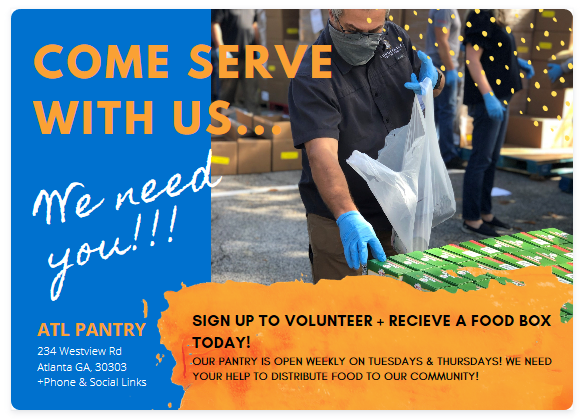
Flyers are great for capturing all the important details in one spot! You can use your pantry colors and personality to request volunteers for your upcoming projects.
Here are some tips for creating flyers:
Determine what the call to action is. Here are some questions to consider:
Are you seeking volunteers or clients?
Are you promoting an event?
Are you sharing about your organization?
Are you seeking donations?
Select photos for your flyer that matches your call to action
Cover the basics: Who, What, When, Where, + How to register
Canva.com is a great platform to use to create flyers that has several templates to choose from
Help your opportunity stand out on HOC by adding a flyer or image (click to view steps)
Pantry Informational Card
Here are a couple of downloadable documents that you can customize for your pantry.
Turning Clients into Volunteers Card
Add a handout to your food boxes to encourage volunteer participation
View & Edit document (Edit & Download as a print pdf)
Who We Are Pantry Information Card
This card can be used to attract donors and volunteers
View & Edit Document
facebook (FB)
Here are sample posts that you can use to share projects on Facebook. If your organization is a part of a larger organization and your pantry doesn’t have a personal FB page, you can create and manage a Facebook Group page as an extension of your larger organization. CLICK TO FIND OUT HOW TO START A FB GROUP PAGE
The purpose of creating a FB post is to engage with your followers by:
Sharing announcements
Asking for their help
Encouragement
Telling a story
Keeping your pantry top of mind
Awareness
Here are a few key elements to you post:
Conversational style content. (Hi friend, have you heard? We have NEW PANTRY HOURS!)
Tag partners that are relevant to the post by using @ (@handsonatl)
Use hashtags (hashtags help improve your searchability on the social platform) (#dosomethinggood)
Photos are always a nice touch
Sample FB Post for project promotion:
Hi Friends! We are in need of a few awesome folks to help us feed the community on [ Project date]. We can’t distribute [Amount of food] without YOU!
Please Sign up now: [LINK TO YOUR PROJECT].
(add tags & hashtags )
Post A Facebook Story / Highlight
CLICK TO LEARN WHAT ARE FACEBOOK STORIES
Before the project, during the project and after the project use Facebook stories to increase awareness about your event.
FB Story Ideas:
Add a flyer
Picture of your team planning the event with text that says: “Have you registered?”
Promote your newsletter
Start a countdown to project day
hare about the fun volunteers will have
CLICK TO FIND OUT HOW TO START A FB GROUP PAGECLICK TO LEARN WHAT ARE FACEBOOK STORIES
FB LIVE:
Live is simply a video recording of what is presently taking place
Go live before the project to share the details
Go live during the project to share how it is going and to encourage participation the next time around
Grow Followers:
Schedule a times to consistently engage and post to social media
Post YOUR OWN genuine content or repost content that aligns with your organization
Provide meaningful content
Be consistent, intentional, and aware
Remember to tag partners and encourage others to re-share your content
INSTAGRAM (IG)
You can use Instagram to post cool images of the work you are doing and projects to come! Just like Facebook, use @tags to connect partners and #hastags to increase your visibility in searches.
Key tips for a great Instagram Post:
Choose great images
Always add a hashtag unique to your pantry
Add your location
Keep your description short and sweet
Post Text Example, (Pre-Project):
Join volunteers from around the city as we continue the fight against hunger on January 1st! #dosomethinggood
Learn more and get involved at (link in bio).
Post Text Example, (Post-Project):
THANK YOU [@YOUR ORGANIZATION] VOLUNTEERS! We DID IT! On yesterday we served over (# of families) in (name of area/ community)! #allhandsatl
IG Stories:
Post photos or videos highlighting your organizations day to day activities, behind the scenes of your projects and any visual news you’d like to share. The stories disappear after 24hrs, but you can always save them In your highlights! Here is a great article on creating great IG stories.
Key Tips for great IG highlights:
Create a series of highlights to tell a complete story
Show personality: keep it fun and light
Use Canva story templates
Use @tags and #hashtags to improve engagement
View FB Stories sample for Highlight design ideas
Include in your post
Post a photo of YOUR smiling (behind their masks) volunteers in action!
Linktree + IG
Linktree is another great tool to use that will allow you to post links to multiple service projects & events.

Start the conversation with others about topics that are important to your pantry along with your projects. Twitter has a great resource page to explain how to make their features work for you!
Tweet text sample:( up to 280 characters ONLY)
Let’s get food to families next Tuesday! You bring your jacket we have the coffee! Sign up to volunteer with us TODAY. (your organization’s unique hashtag) (registration link) https://www.handsonatlantaweek.org
Include in your post
Post a photo of YOUR smiling (behind their masks) volunteers in action!